Edwards SIGA-HDT — the Signature Series handheld diagnostic tool: a compact touch-screen unit that manipulates, tests and monitors an Edwards Signature signalling line circuit and its connected devices using live data in the field.
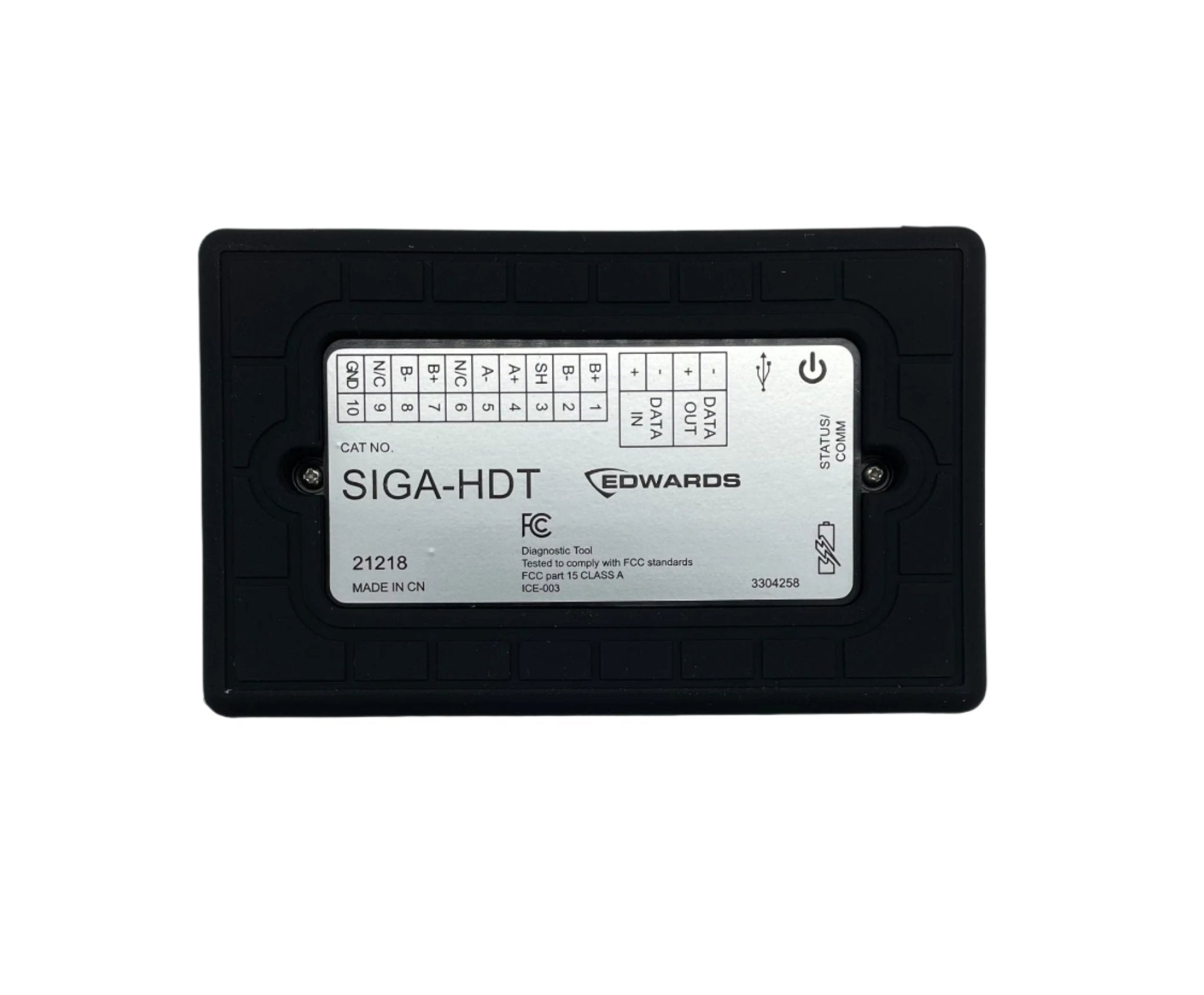
The SIGA-HDT can initialize a Signature loop before it is ever connected to a control panel, or diagnose and troubleshoot after the loop is landed on the controller — which makes it as useful for verifying a new project as for chasing a fault in an existing one. Terminal blocks on top of the unit take field wiring directly, and USB 2.0 and Micro-B ports handle data exchange and power. Collected data downloads to a laptop or desktop over USB cable, or can be written to a USB flash drive for use off-site, and the included PC software turns it into detailed reports for archiving or further analysis.
Powered by a rechargeable lithium-ion battery.
Specifications
| Form |
Hand-held unit with bright touch-screen graphical user interface |
| Power source |
Rechargeable lithium-ion battery |
| Field wiring |
10-position and 4-position terminal blocks (4-position required for Class A only) |
| Data interface |
USB 2.0 and Micro-B ports for data exchange and power |
| Loop functions |
Initialize loop, restore loop, map analysis (map consistency and contact analysis), dirty level analysis, loop history |
| Device functions |
Program new device address, program maintenance date, normalize photo (clean air count), read EEPROM, photo A/D value, trouble codes, reinitialize all loop addresses to zero, single device history |
| Status readout |
Settings screen shows date and time, interface and GUI board versions, battery status, loop output voltage and current |
| Software v1.8 additions |
Selectable LED inhibit for Signature Optica detectors; increased diagnostics for locating wiring and mapping faults on SLC loops |
| Ordering |
SIGA-HDT (tool); HDT-BATT (replacement battery) |
Note: the Edwards data sheet for this tool does not include a numeric specification table (no voltage, current, temperature or dimensional ratings are published on it), so none are stated here.
Installation notes
-
The LED inhibit feature has a firmware prerequisite: using v1.8 software to turn off the normal green polling LED on Signature Optica detectors requires detectors with firmware 1.0.16 or later. Older detectors on the same loop will not take the setting.
-
Dirty level analysis overwrites, it does not append: on successful execution the SIGA-HDT erases the old database of dirty levels and replaces it with new data. Export or record a previous run before starting a new one if you need the history.
-
Two different map tests, two different purposes: map consistency maps each device three times and compares all three responses, flagging any device that does not answer consistently. Contact analysis measures what listening devices hear when an annunciating device is activated, an indirect measure of contact resistance that surfaces devices likely to cause a future map fault. Run both when chasing an intermittent.
-
Normalize after cleaning, not before: the normalize photo function writes a new clean air count into detector memory, so it must be run after the detector has been cleaned with the approved tools or method and reconnected to the loop.
-
Dirty level applies to optical detectors only. The function is not associated with other device types.
-
Time sync requires the PC: the SIGA-HDT must be connected to the computer software to sync its date and time. Reports carry those timestamps, so sync before a verification run.
-
Loop history starts empty: the stored database screen displays nothing until an initialize or map analysis has actually been performed.
-
Reference documents: SIGA-HDT Operations user guide P/N 3102424-EN, Installation sheet P/N 3102422-EN, Diagnostics application guide P/N 3102692-EN, and technical note FN00022 on inhibiting the green LED on Optica detectors.
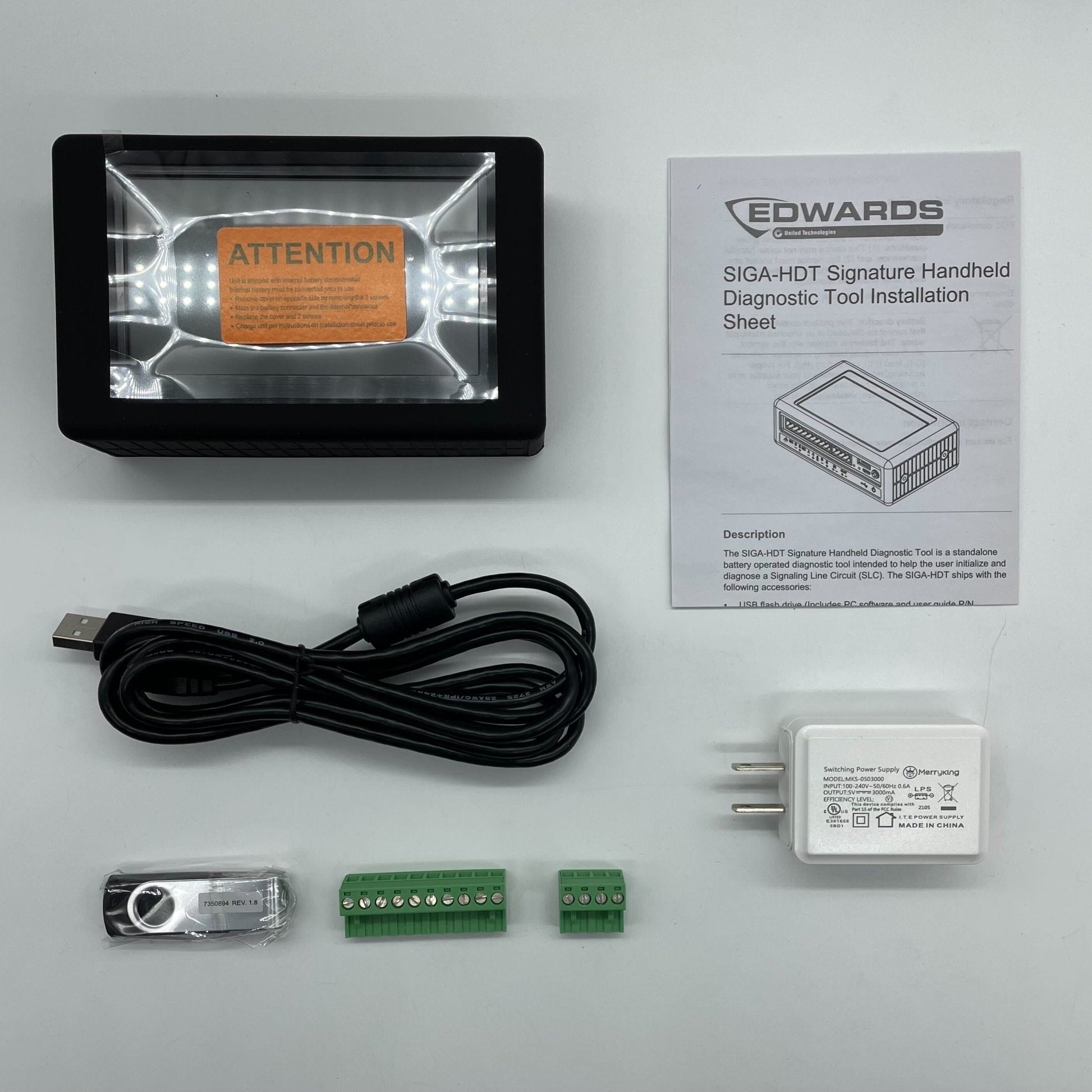
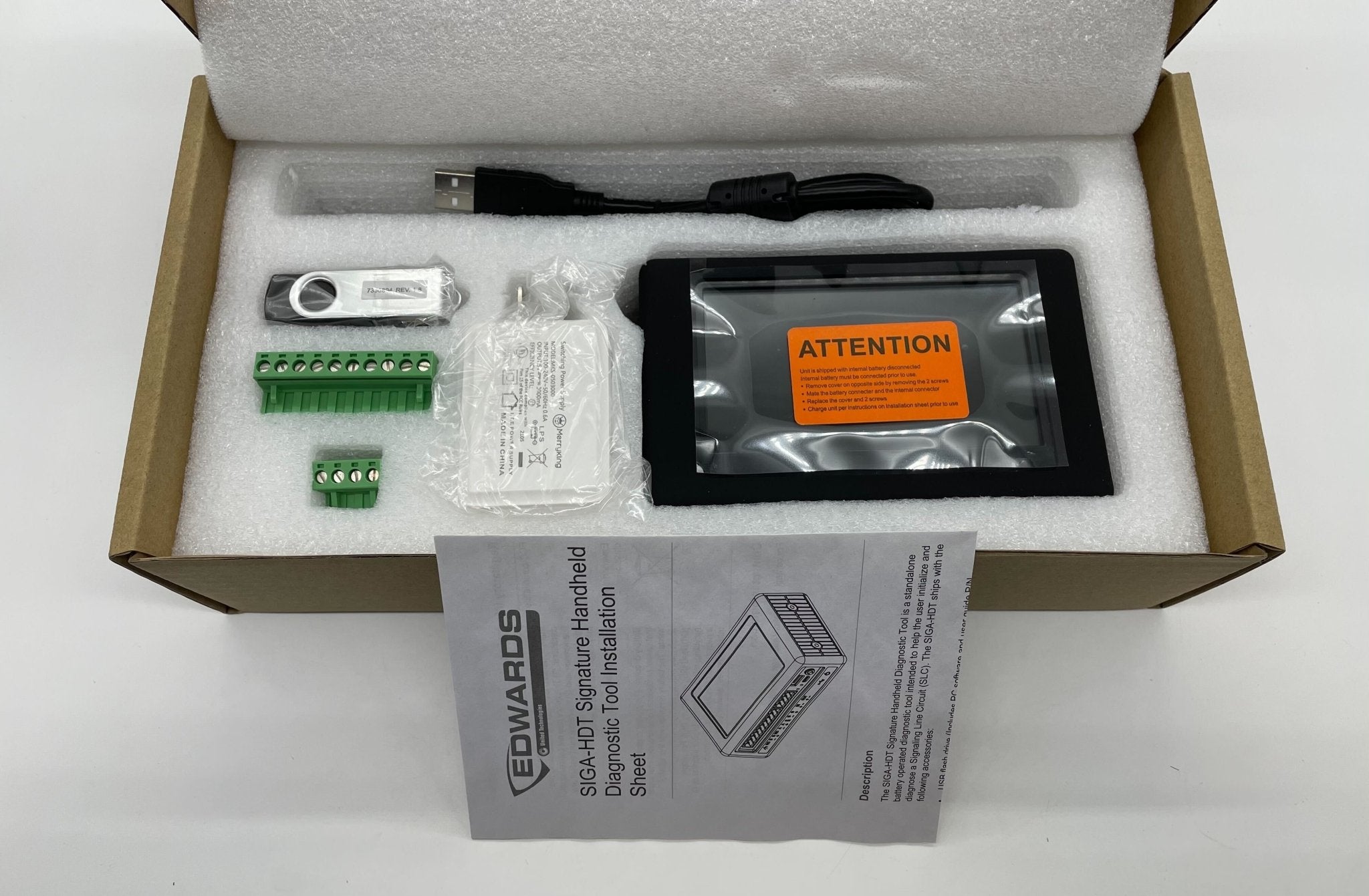
What is in the box
- USB flash drive containing the PC software and user guide
- USB charging cable (USB 2.0 A-male to Micro-B) and AC USB charging adapter
- 10-position and 4-position terminal connector blocks
- Lithium-ion battery
- SIGA-HDT installation sheet (P/N 3102422-EN) and operations user guide (P/N 3102424-EN)
Related models
-
HDT-BATT — replacement lithium-ion battery for the SIGA-HDT.
-
SIGA-PRO — the Signature Program/Service Tool referenced across the Signature module data sheets as an alternative means of addressing devices.
Specifications taken from the Edwards data sheet “Signature Series Diagnostic Tool — SIGA-HDT,” document E85001-0655, Issue 1.2. Manufacturer specifications are subject to change without notice.