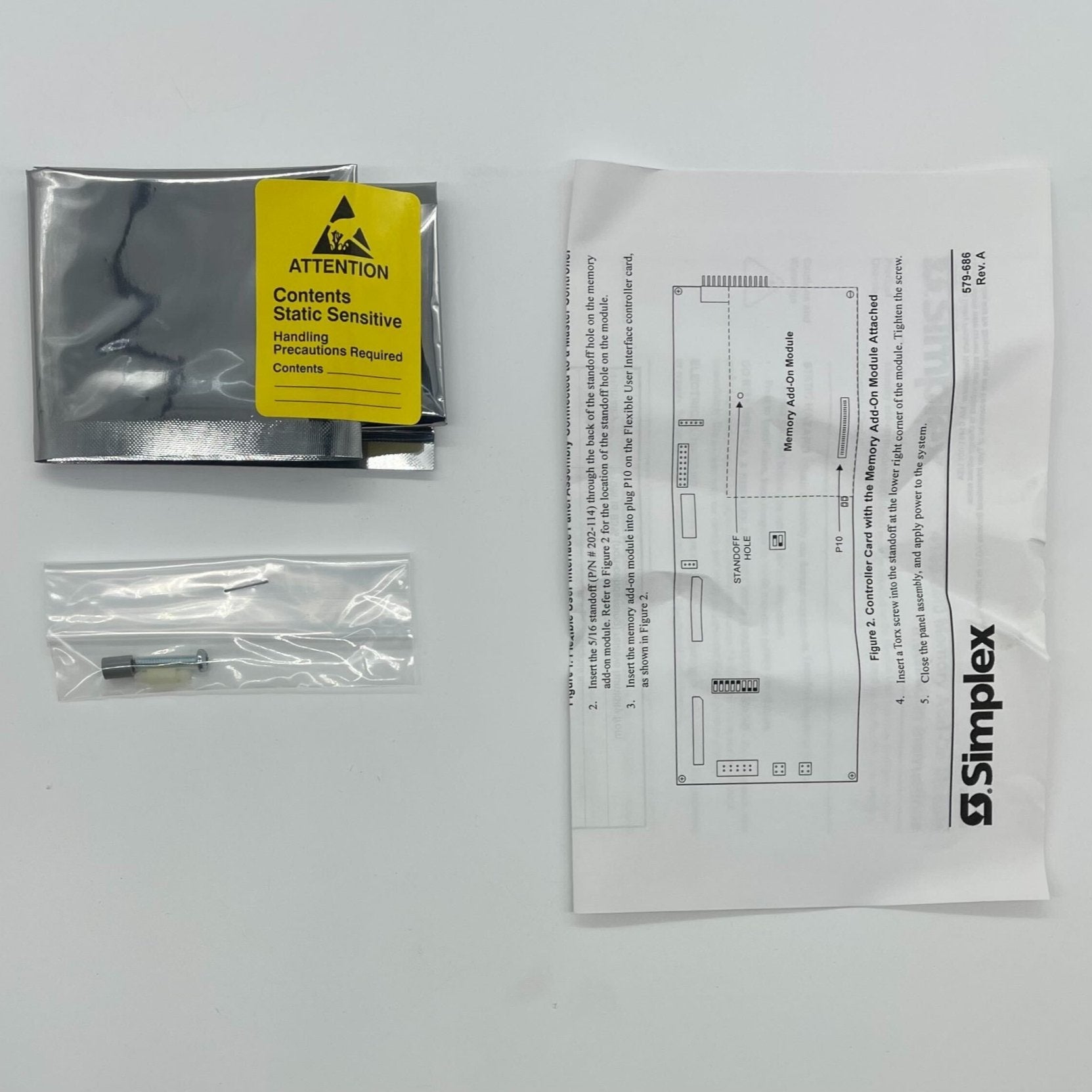
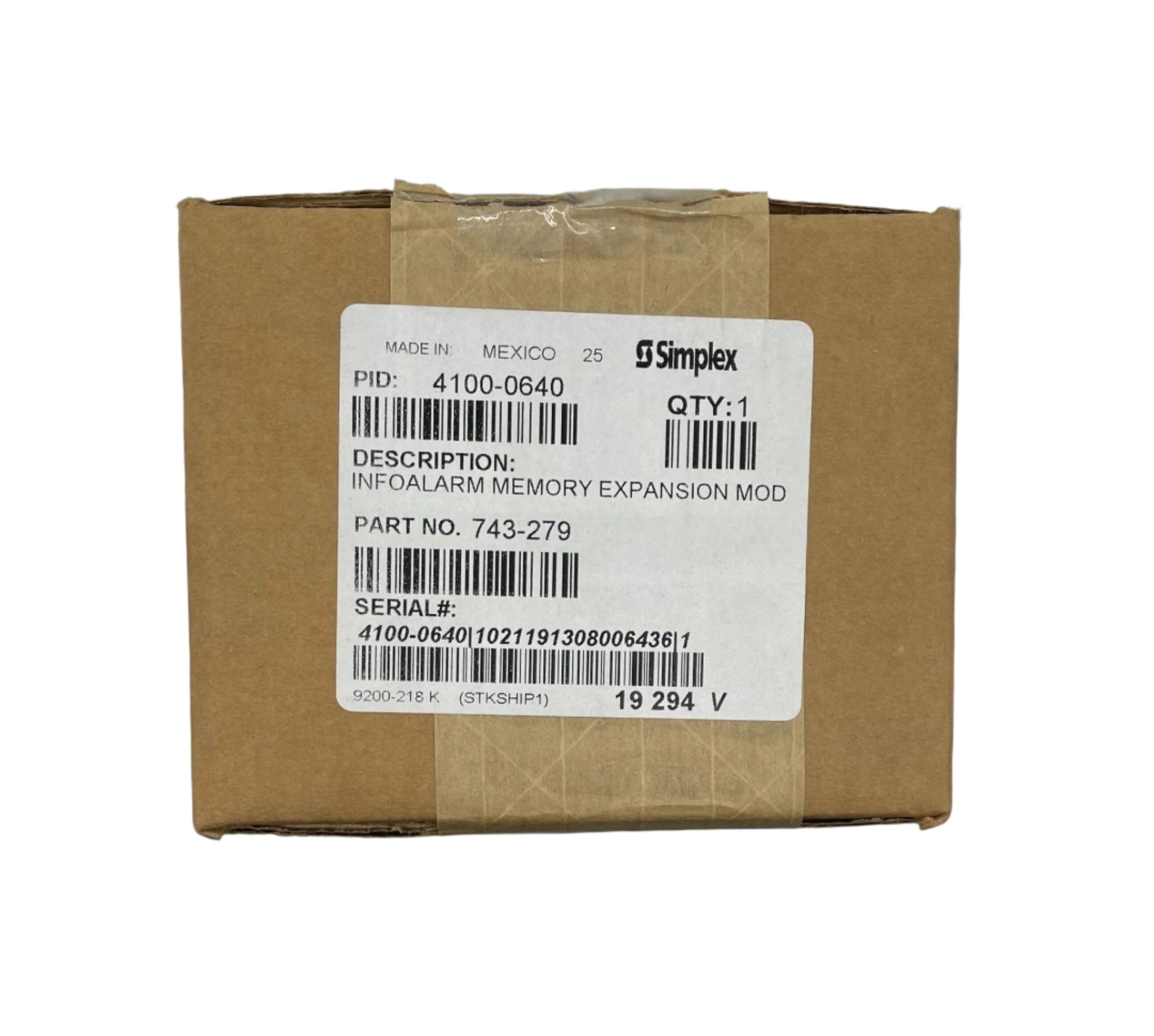
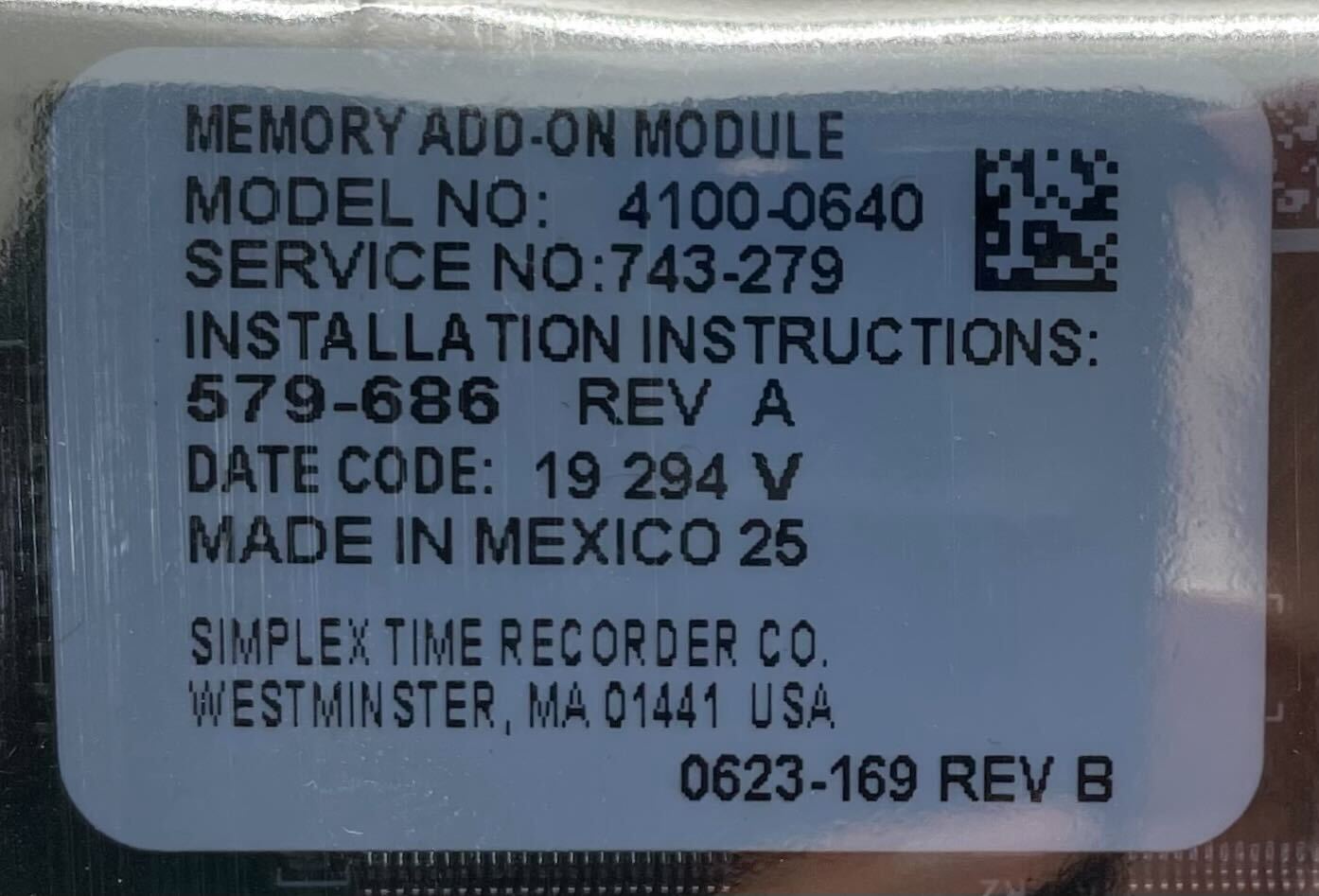
Simplex 4100-0640 Infoalarm Memory Expansion Module
InfoAlarm Command Center Control Panel LCD interface requires minimal key presses to access detailed information. By using a larger area format instead of an individual text line display, the LCD provides text information for Alarm, Supervisory, or Trouble. The format can be customized per application allowing additional information to be presented to suit the specific application. Press ACK located under flashing indicator. Repeat operation until all events are acknowledged. Local tone will silence. Emergency Operating Instructions Alarm or Warning ConditionHow to Acknowledge / View Events How to Silence Building Signals System indicator flashing. Tone On. Press Alarm Silence. How to Reset System Press System Reset. Press Ack to silence tone device. A B C D E F G H I J K L M N O P Q R 'SP' ( ) , # : S T U V W X Y Z / ZONE 1 SIG 2 AUX 3 FB 4 IO 5 IDNet 6 P 7 A 8 L 9 NET ADDR 0 C/Exit Men
Key Features
- Compatible with Simplex ES Net or 4120 Fire Alarm
Documents & Downloads