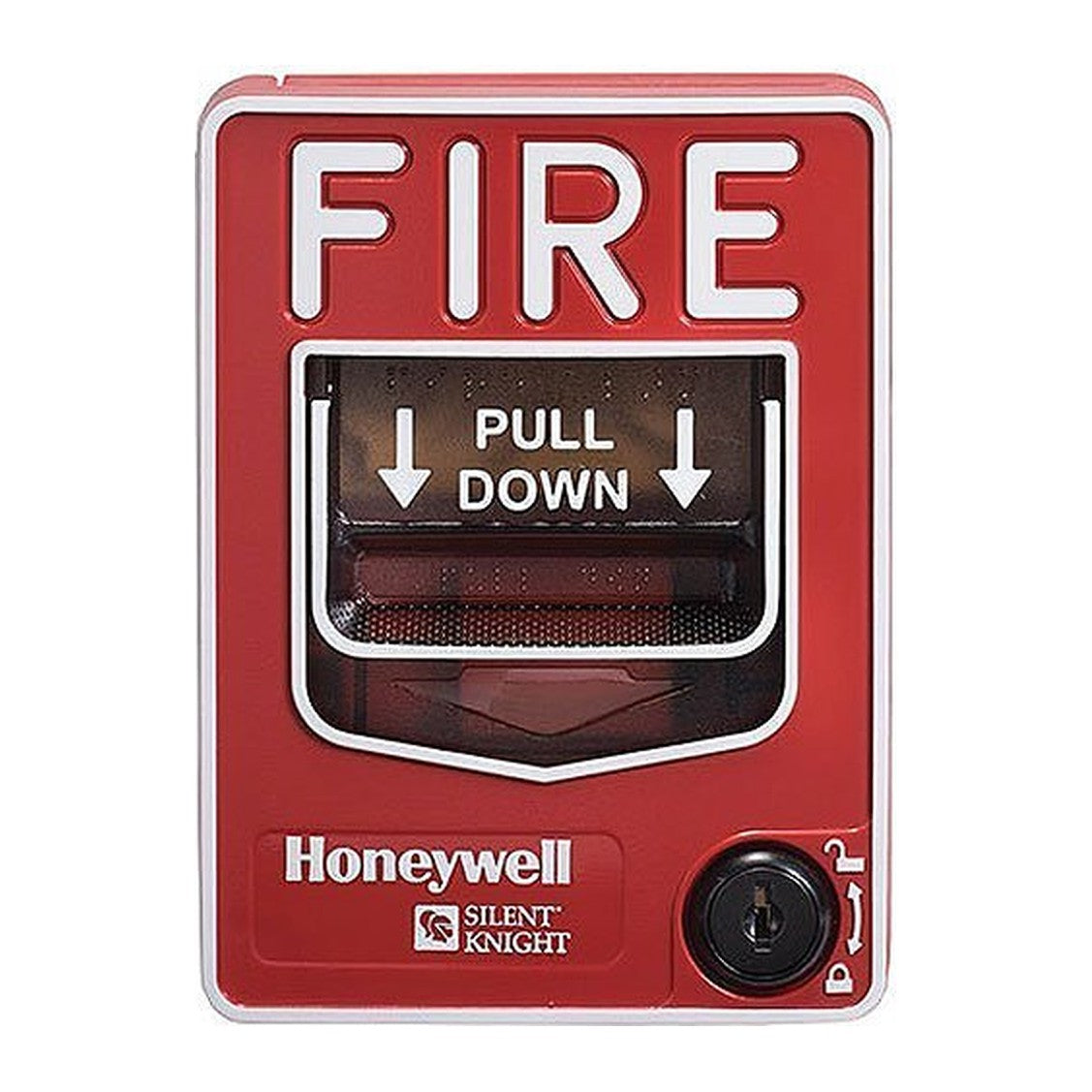
The Silent Knight SK-PULL-SA is a non-coded, single-action addressable manual pull station with key-lock reset. Its built-in addressable module gives a Silent Knight intelligent fire alarm control panel one alarm initiating input.
The station works with Silent Knight intelligent panels that use the Intelligent Device Protocol (IDP). Pulling the handle down activates it and shows the word ACTIVATED until it is reset with the key. Operating instructions and Braille text are molded into the handle, and it meets the ADA 5 lb. maximum pull force requirement.
Specifications
| Type |
Single action, non-coded, addressable |
| Protocol |
Silent Knight Intelligent Device Protocol (IDP) |
| Operating voltage |
24 VDC |
| Average current (LED flash) |
375 µA |
| Maximum current (LED on) |
5 mA |
| Switch |
SPST normally open, closes on activation |
| Addressing |
Rotary switches, factory preset to 00 |
| LED |
Flashes green in normal, steady red in alarm |
| Operating temperature |
32°F to 120°F (0°C to 49°C) |
| Humidity |
10% to 93% non-condensing |
| Standard |
ANSI/UL 38 |
Installation notes
- Surface mount on an SB-I/O surface back box, or semi-flush mount on a single-gang, double-gang or 4 in. square electrical box.
- The optional BG-TR trim ring is used for semi-flush mounting.
- Do not detach the door during installation; it cannot be reattached once the backplate is on the box.
- Set the address on the rotary switches inside the station and record it on the product ID label.
- To reset, turn the key 1/4 turn counterclockwise, open the door until the handle returns, then close and lock it.
Related models
-
SK-PULL-DA — dual action version of this addressable pull station.
-
SK-MONITOR — addressable monitor module for other contact devices.
Documents
FAQ
Which panels is the SK-PULL-SA compatible with?
It works with all Silent Knight intelligent panels that use the Intelligent Device Protocol (IDP); check the panel installation manual to confirm IDP support.
How is the address set?
It ships preset to address 00. Set it with the rotary address switches on the module inside the station; only one device per address is allowed.
How do I reset it after activation?
Insert the key and turn it 1/4 turn counterclockwise, open the door until the handle returns to normal, then close and lock the door.
Can it be surface mounted?
Yes, on the SB-I/O surface back box. It can also be semi-flush mounted on a single-gang, double-gang or 4 in. square box.