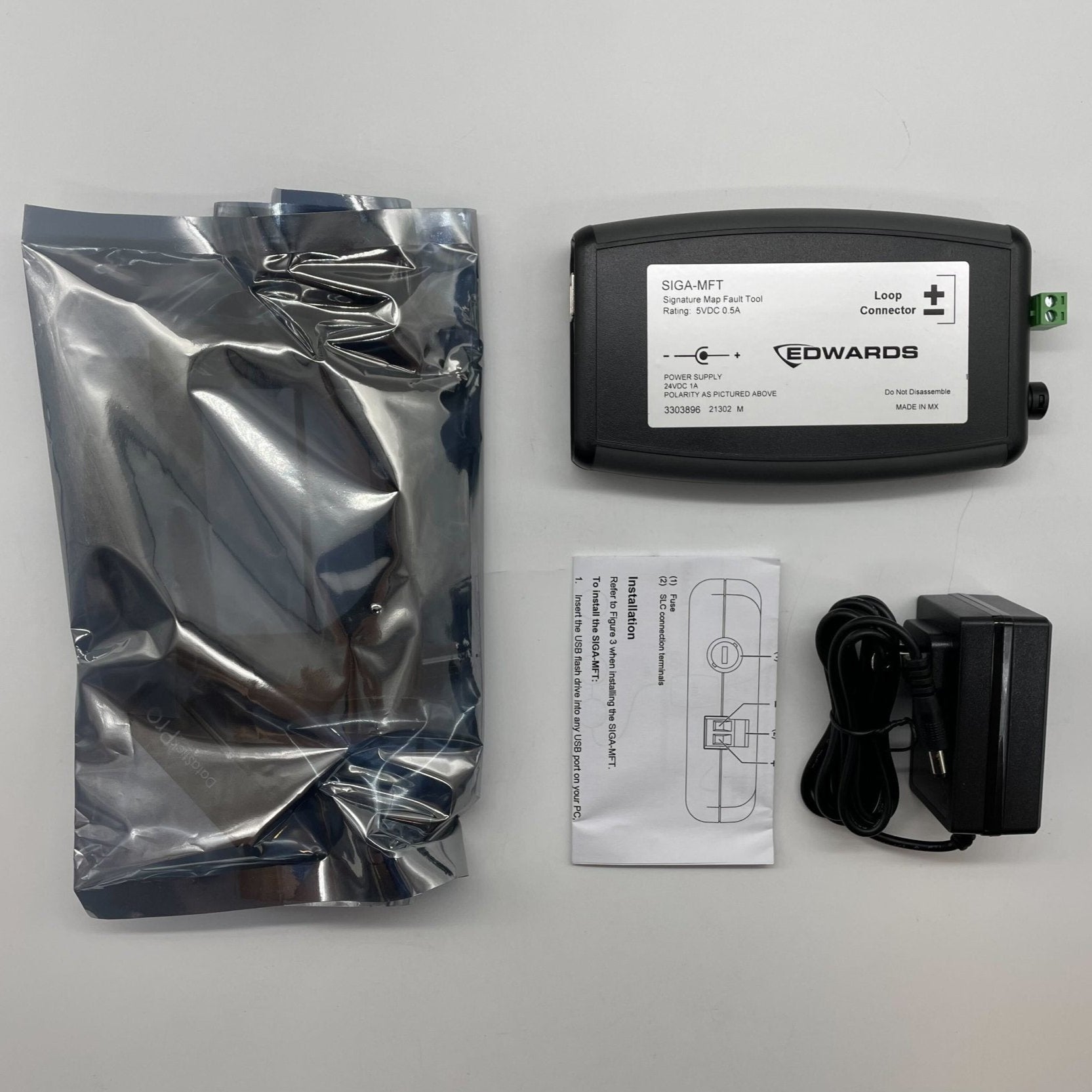
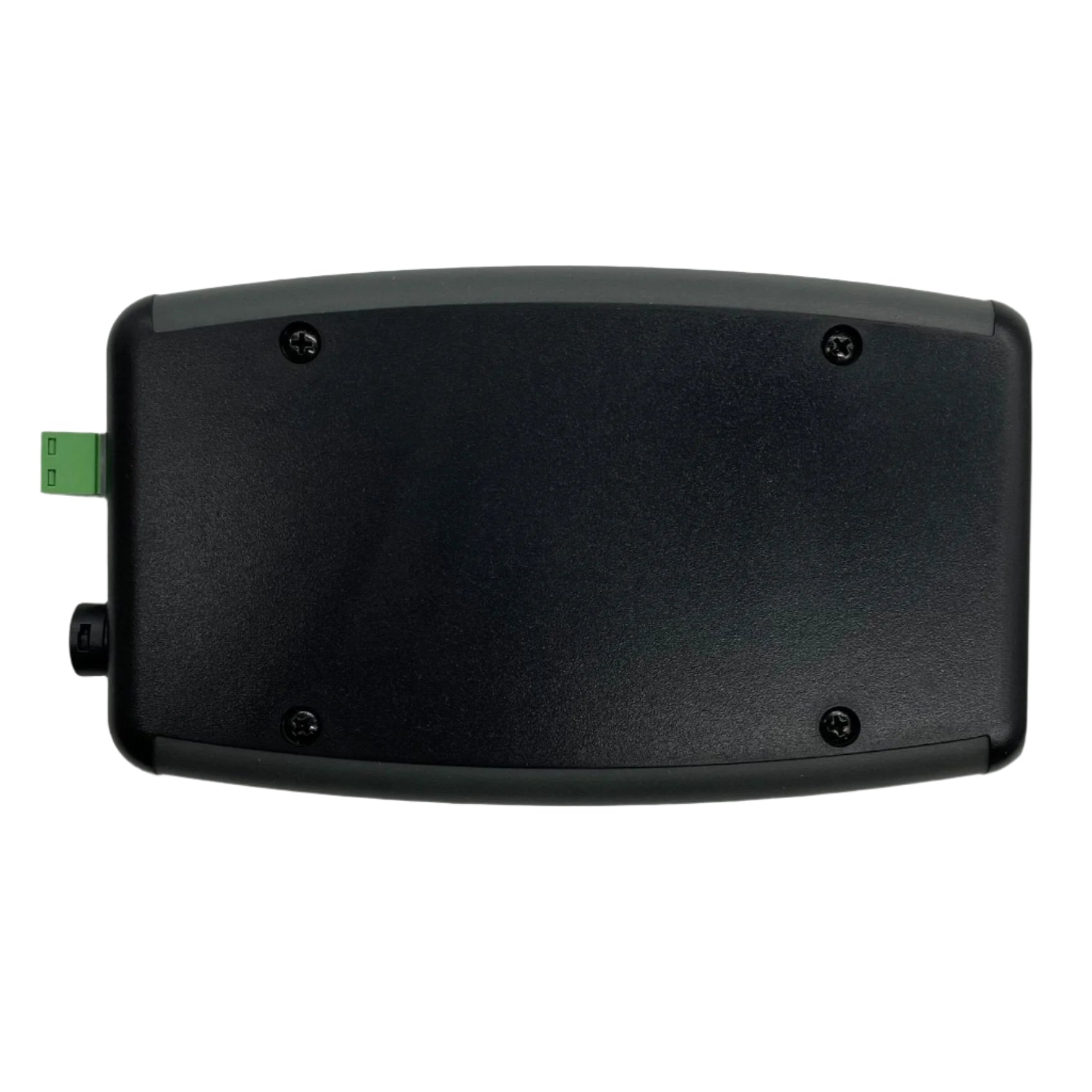
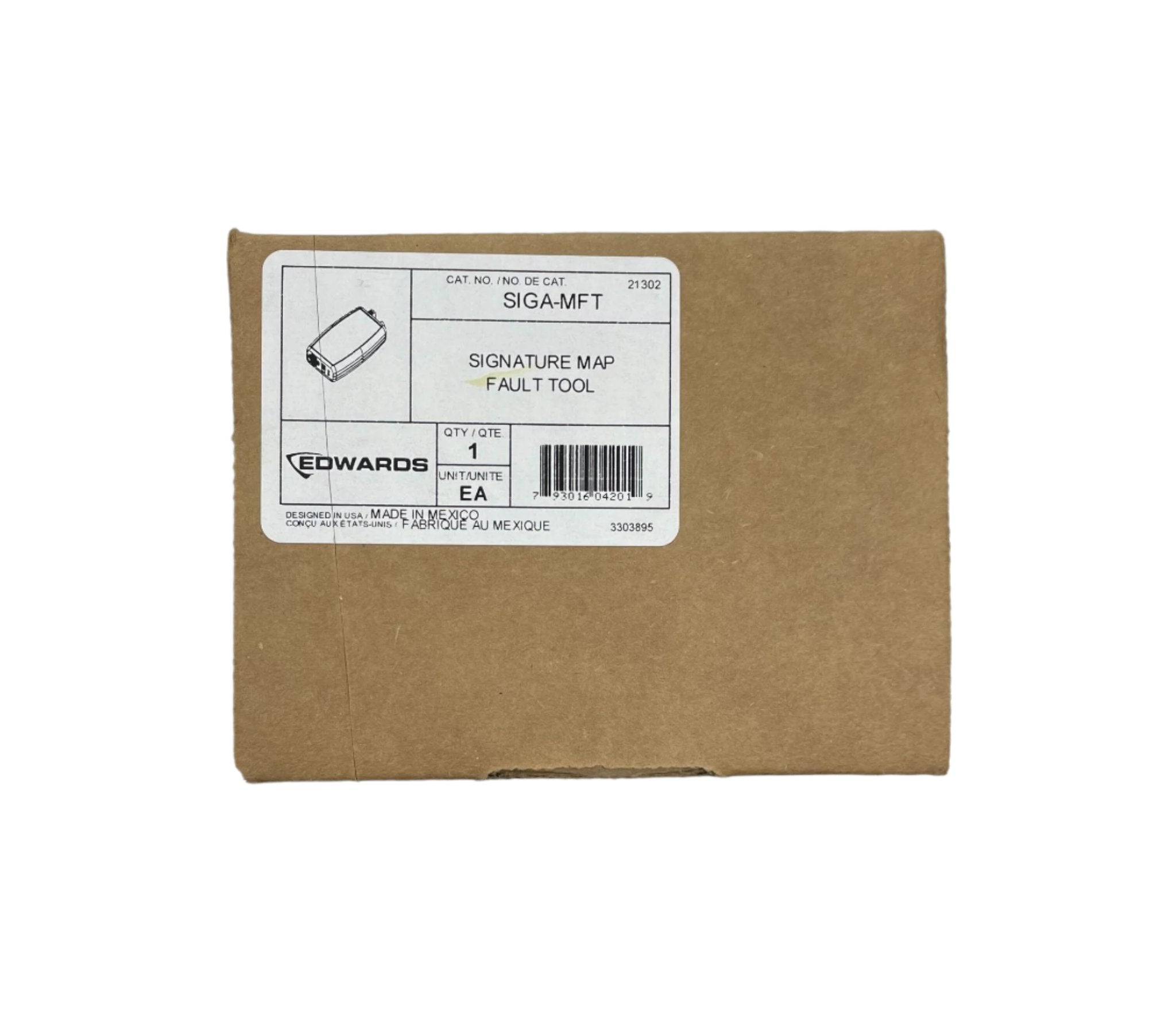
The Edwards SIGA-MFT Map Fault Tool is a Diagnostic Tool intended to help you locate and resolve sources of mapping faults in a Signature signaling line circuit (SLC).
The SIGA-MFT ships with these accessories:
• A USB flash drive with the SIGA-MFT Software
• A USB cable • A 24 VDC external power supply
The SIGA-MFT is wired directly to the SLC and connected to your PC using a USB cable and port.
The SIGA-MFT simulates the mapping operation of the panel SLC controller, and the SIGA-MFT Software provides enhanced troubleshooting information.
The SIGA-MFT and the Signature SLC are powered by the USB port on your PC. An external power supply (provided) can be connected to the SIGA-MFT when needed.
For example, when you connect to a USB hub, which does not include power, or if communication is lost when connecting to the SLC.
Diagnostic LEDs indicate communication by flashing:
• Green = PC communication
• Red = SLC communication