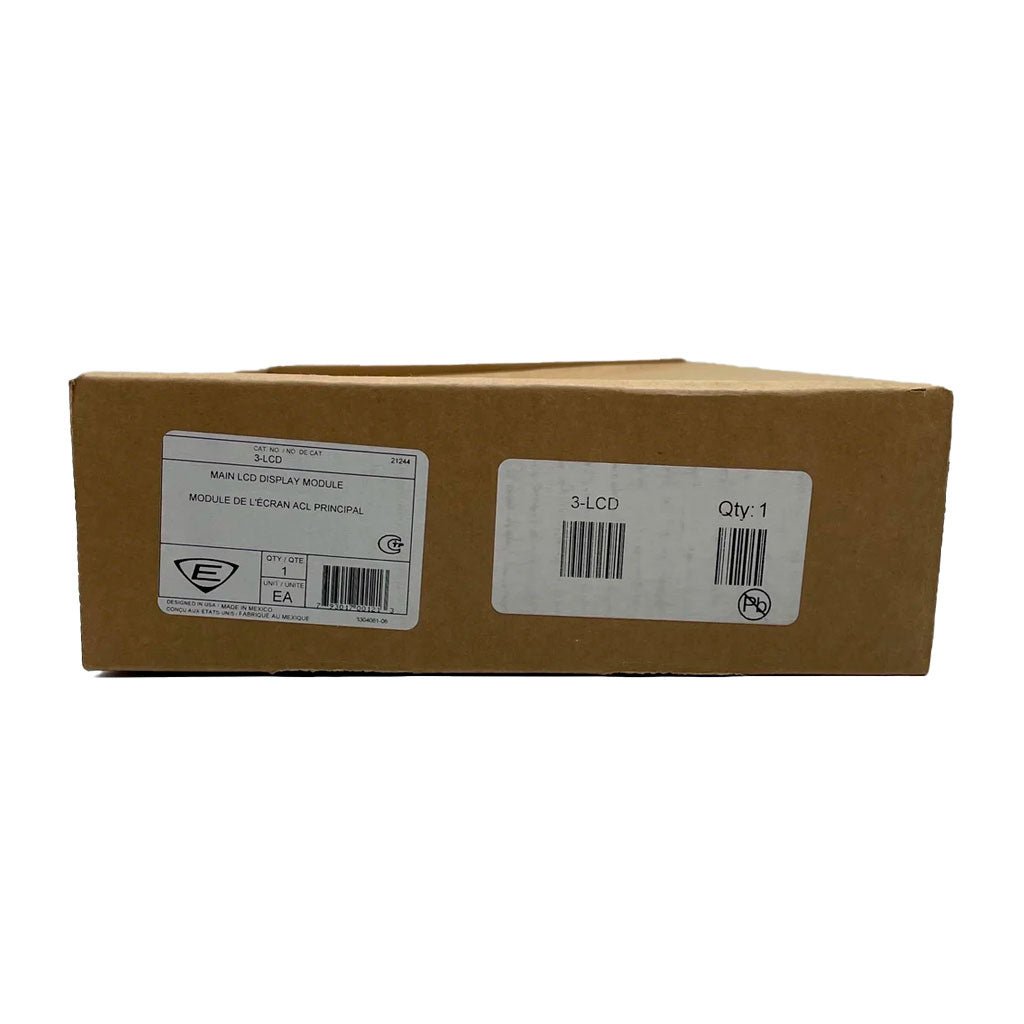
Edwards 3-LCD is the EST3 Liquid Crystal Display Module, the main user interface of the EST3 life safety system. Without opening the panel door, the operator sees the first highest-priority event and the last highest-priority event, which always stays on view and updates automatically. Events are sorted into alarm, supervisory, trouble and monitor queues, so a responder does not scroll through a mixed list to find alarms. The module mounts on the local rail over the node 3-CPU and is optional in any network node.
Specifications
| Display |
Backlit graphic LCD, 8 lines x 21 characters |
| Custom messages |
Location messages up to 42 characters |
| Common controls |
Reset, Alarm Silence, Panel Silence and Drill switches with LEDs |
| Status LEDs |
Power, Test, CPU Fail, Gnd Fault, Disable |
| Languages |
English, French, Spanish, Russian |
| Mounting |
Two local rail spaces on top of 3-CPU |
| Standby current |
40 mA |
| Alarm current |
42 mA |
| Ship weight |
0.8 lb (0.36 kg) |
| Certifications |
UL, ULC, FM, CE, LPCB, EN54 |
Features
- Hands-free display of the first alarm; last highest-priority event always displayed
- Type status window shows the number of active events per queue
- Details key lists active devices within a zone
- Menu system for disables, reports and maintenance functions
- Slide-in LED and switch labels for regional languages
Related models
-
3-LCD-E — EN54 compliant version.
-
3-LKE / 3-LKF / 3-LKR / 3-LKS — UK English, French, Russian and Spanish label kits.
-
3-CPU — central processor module the display mounts over.
Documents
FAQ
Where does the 3-LCD mount?
It mounts on the local rail over the node CPU module (3-CPU), taking two local rail spaces.
What does the display show?
Eight lines of 21 characters: the first highest-priority event, the last highest-priority event, and the count of active alarm, supervisory, trouble and monitor events.
Which languages are supported?
English, French, Spanish and Russian; label kits 3-LKE, 3-LKF, 3-LKR and 3-LKS are available.
Is there an EN54 version?
Yes. Add the suffix "-E" for the EN54 compliant version.